Keeping kids engaged in learning can sometimes feel like a challenge—especially in a world full of YouTube videos, online games, and endless screen time distractions.
But what if the same devices that keep kids glued to their screens could actually help them learn? That’s where educational apps come in.
Today’s best educational apps are more than just digital worksheets—they’re interactive, fun, and designed to spark curiosity.
Whether your child is mastering multiplication, building reading confidence, or exploring the basics of coding, the right app can turn learning into an adventure. Kids play, laugh, and explore while quietly building skills that support classroom success.
In this guide, we’ll walk you through the best educational apps for elementary kids—trusted by teachers, loved by parents, and most importantly, fun for kids.
Why Educational Apps Matter for Elementary Kids
Elementary years (ages 5–12) are critical for laying a strong foundation in literacy, numeracy, and problem-solving. At this stage, children are curious, energetic, and eager to learn, but they also need interactive ways to keep their attention focused.
Here’s why the right educational apps are so effective:
- Interactive Learning: Kids learn better when they can touch, move, and play with concepts instead of passively reading or listening.
- Self-Paced Progress: Apps allow kids to move at their own speed—whether that means catching up on tricky concepts or moving ahead.
- Instant Feedback: Educational apps give real-time feedback, helping children understand mistakes right away.
- Fun & Engagement: Games, animations, and rewards keep kids motivated.
- Accessible Anywhere: Learning doesn’t stop when school ends—kids can practice anytime, whether at home, on a trip, or during downtime.
What to Look for in Educational Apps
Not all apps are created equal. Some are flashy but lack real educational value, while others are too advanced or too basic. Before downloading, check for these qualities:
- Age Appropriateness – Is the app designed for elementary kids? Does it match your child’s grade level?
- Curriculum Alignment – Does it cover topics kids are learning in school?
- Safety & Privacy – Does the app protect children’s data and avoid harmful ads?
- Ease of Use – Is the navigation simple enough for kids to use independently?
- Engagement & Fun – Are the activities interactive and enjoyable?
- Progress Tracking – Can parents/teachers monitor learning milestones?
The Best Educational Apps for Elementary Kids
Now, let’s dive into our curated list. These apps cover multiple subjects and are popular among parents, teachers, and students worldwide.
1. Khan Academy Kids
- Best For: All-round learning (ages 2–8)
- Subjects Covered: Reading, math, problem-solving, social-emotional learning
- Price: Free
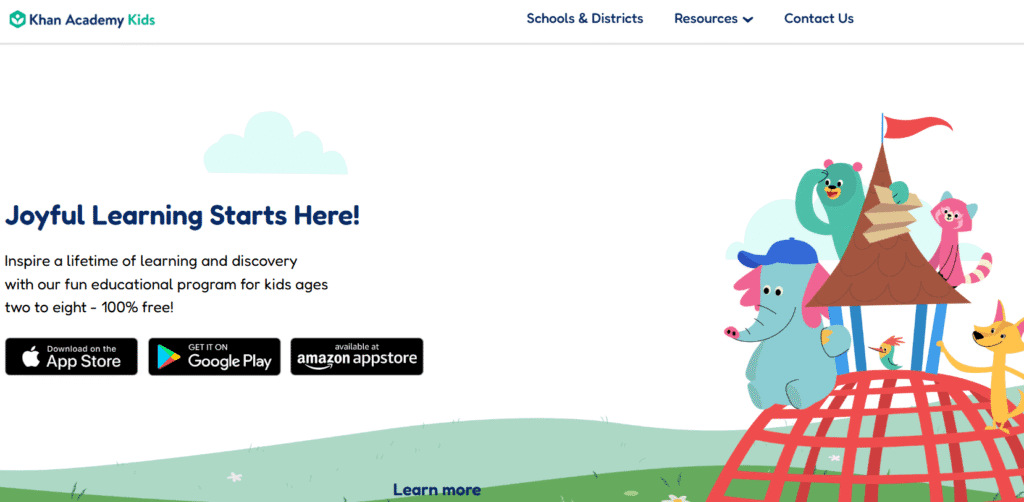
Khan Academy Kids is a parent favorite because it’s completely free and ad-free. It offers a wide range of activities, interactive books, and games designed to make learning enjoyable. The app adapts to a child’s progress, ensuring they’re always challenged but not overwhelmed.
Why kids love it: Friendly animal characters like Kodi the bear guide them through stories, songs, and lessons.
Why parents love it: It’s safe, educational, and offers progress reports.
2. Prodigy Math Game
- Best For: Math practice (grades 1–8)
- Subjects Covered: Math (aligned with school standards)
- Price: Free with premium option
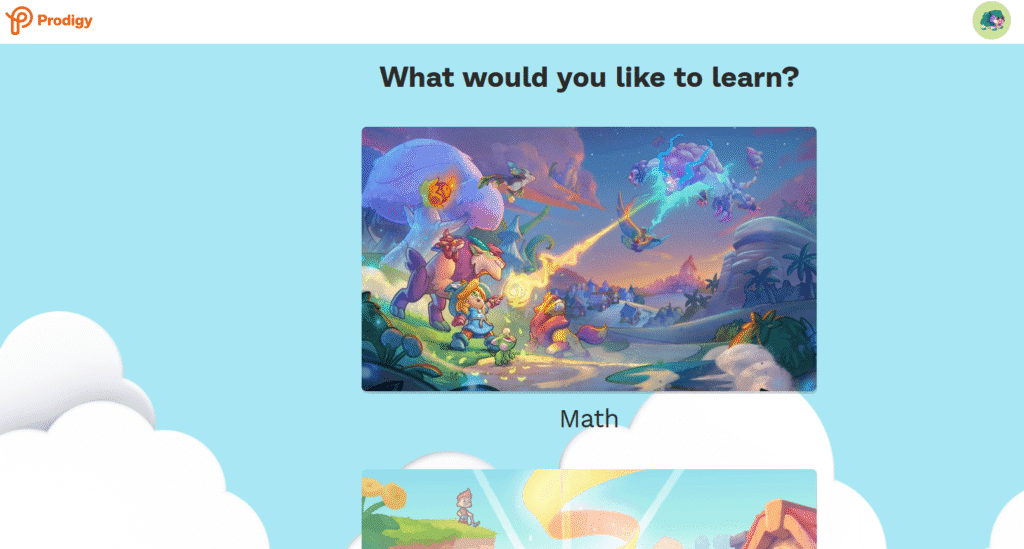
Prodigy turns math into a role-playing adventure game. Kids create characters and battle monsters, but instead of fighting with weapons, they solve math problems. This keeps them motivated while strengthening core math skills.
Teachers love Prodigy because it aligns with curriculum standards and can be used for classroom practice or homework.
3. Duolingo ABC
- Best For: Learning to read (ages 3–7)
- Subjects Covered: Reading, phonics, alphabet recognition
- Price: Free
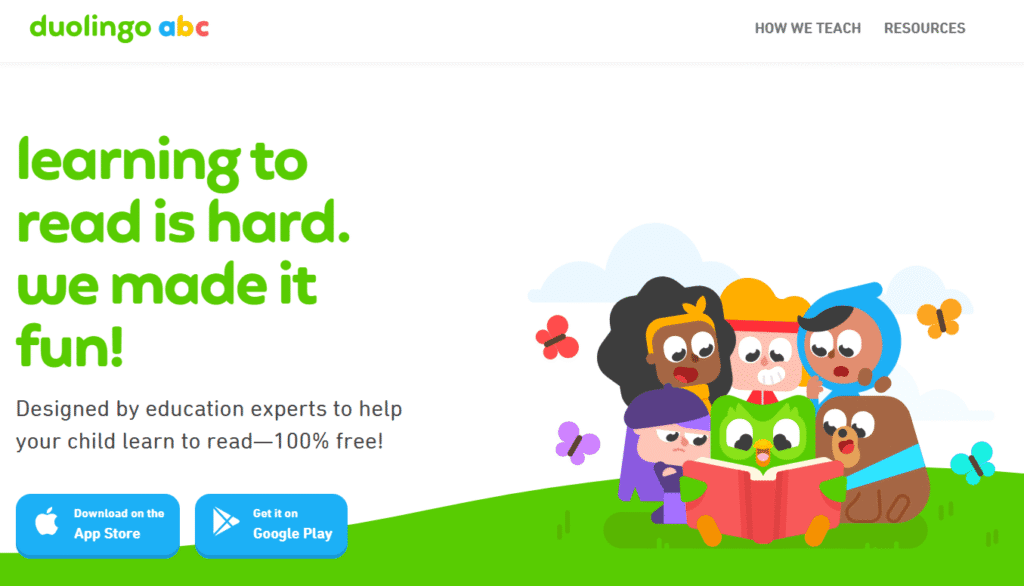
Duolingo ABC is a spin-off of the famous Duolingo language app, designed specifically for early literacy. It teaches kids how to read using short lessons filled with interactive stories and exercises.
Perfect for kindergarten and early elementary kids who need extra help with phonics or sight words.
4. ABCmouse.com
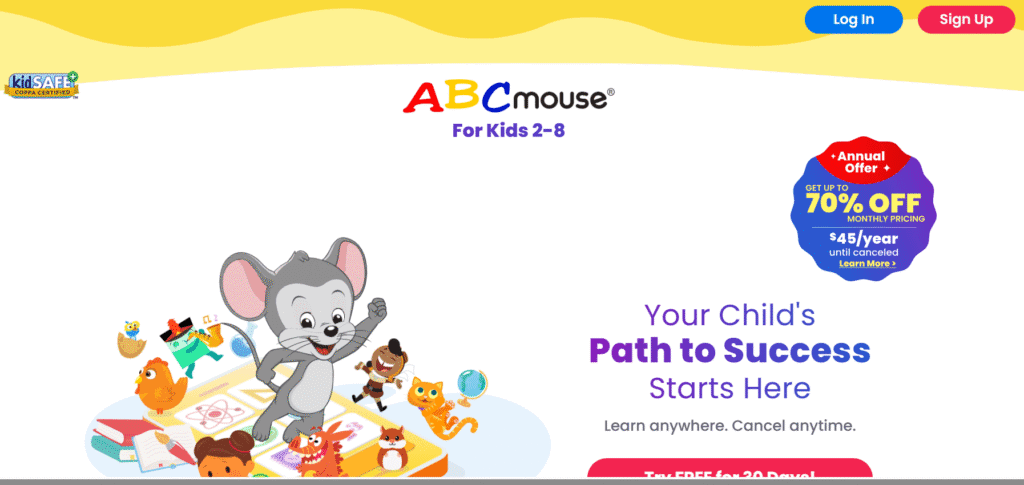
- Best For: Comprehensive curriculum (ages 2–8)
- Subjects Covered: Reading, math, science, art, music
- Price: Subscription-based (around $12.99/month)
ABCmouse offers over 10,000 learning activities across subjects. Kids follow a personalized learning path with lessons that get progressively harder. Parents can track progress, and kids earn tickets to buy virtual rewards like pets and room decorations.
It’s almost like having a mini school on your tablet.
5. ScratchJr
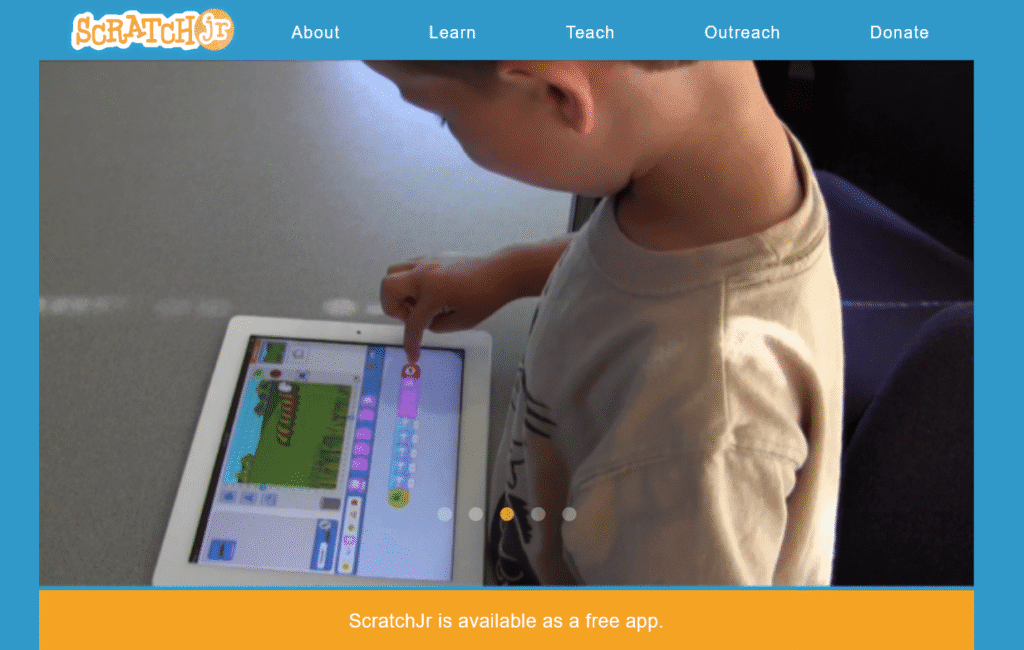
- Best For: Coding basics (ages 5–7)
- Subjects Covered: Coding, logic, problem-solving
- Price: Free
ScratchJr introduces coding concepts to young kids in a playful way. Using drag-and-drop blocks, kids can program characters to move, dance, and tell stories. This not only teaches them coding basics but also strengthens critical thinking and creativity.
6. BrainPOP Jr. Movie of the Week
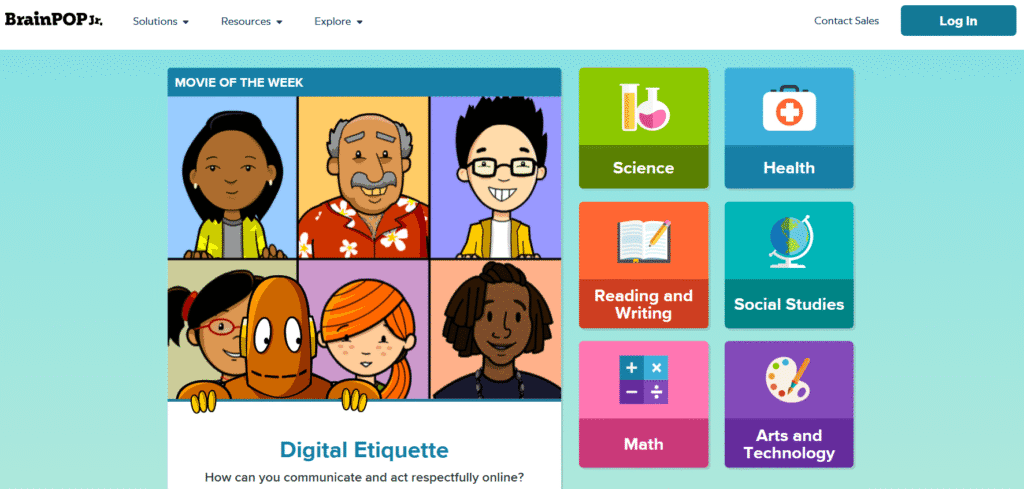
- Best For: General learning through videos (grades K–3)
- Subjects Covered: Science, social studies, math, arts
- Price: Free with paid options
BrainPOP Jr. offers short, animated videos on academic topics. Each video comes with quizzes and games to reinforce learning. Kids enjoy the friendly character Moby the robot, while parents appreciate the educational depth.
7. Epic! – Kids’ Books & Reading

- Best For: Reading practice (ages 5–12)
- Subjects Covered: Literacy, comprehension
- Price: Free for teachers, paid for parents
Epic! is like a Netflix for children’s books. With over 40,000 titles, kids can read stories, comics, and educational books at their own pace. It encourages independent reading and allows parents/teachers to assign books.
8. Toca Boca Apps (Toca Life Series)
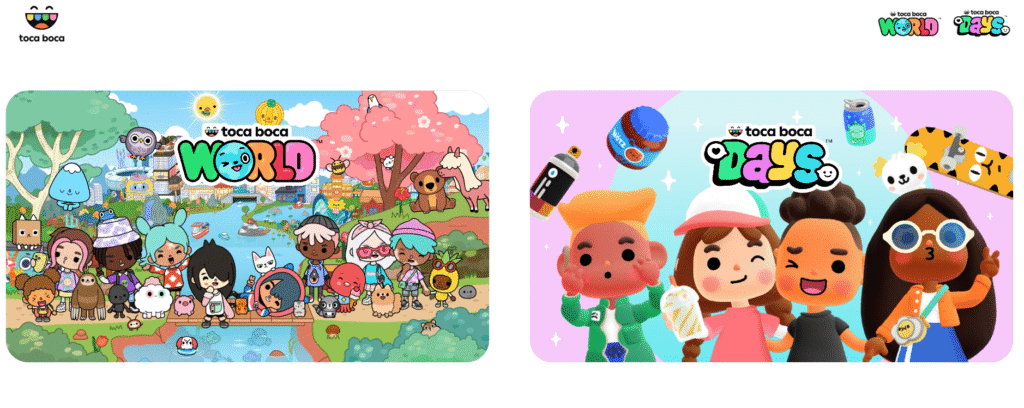
- Best For: Creativity & exploration (ages 4–10)
- Subjects Covered: Creative play, imagination, role play
- Price: Paid apps (around $3.99 each)
The Toca Boca series isn’t strictly academic, but it nurtures creativity, storytelling, and problem-solving. Kids can build worlds, experiment with characters, and create their own stories. Think of it as digital “pretend play.”
9. ClassDojo
- Best For: Classroom communication & social-emotional learning
- Subjects Covered: Behavior tracking, SEL skills
- Price: Free
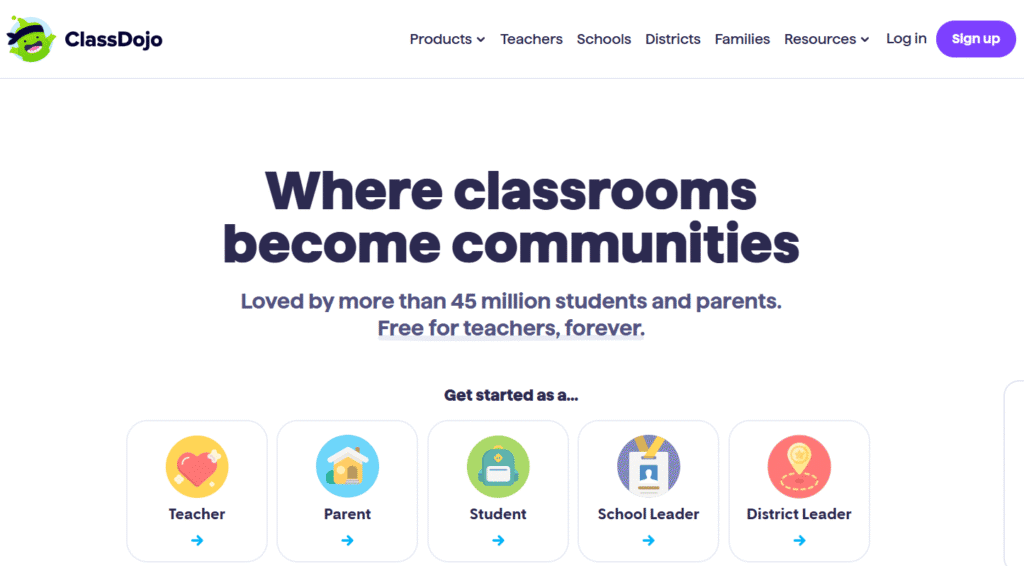
ClassDojo is widely used in schools to connect teachers, parents, and students. Kids earn points for positive behavior, and parents stay updated with photos and progress reports. It also offers mindfulness exercises and activities that build empathy and resilience.
10. PBS Kids Games
- Best For: Younger elementary learners
- Subjects Covered: Math, reading, science, problem-solving
- Price: Free
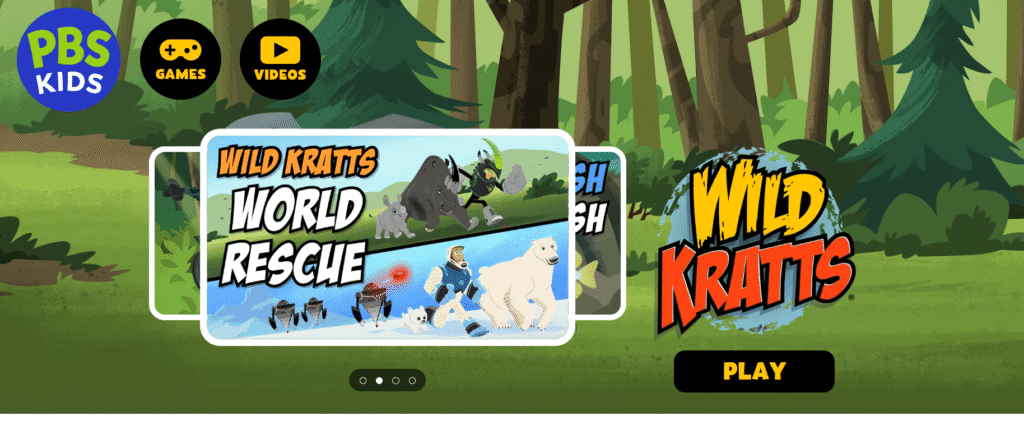
PBS Kids Games features characters from popular shows like Curious George, Wild Kratts, and Sesame Street. Kids enjoy learning because the games feel familiar and fun. Plus, it’s safe and ad-free.
How Parents and Teachers Can Maximize These Apps
Downloading the right apps is just the first step. Here’s how to make the most of them:
- Set Screen Time Limits: Balance app use with outdoor play, reading, and offline activities.
- Use Apps as Rewards: Allow app time after chores, reading, or homework.
- Play Together: Sit with your child while they play—ask questions and discuss lessons.
- Track Progress: Use apps with reporting tools to see what skills need more practice.
- Encourage Creativity: Choose apps that let kids create, not just consume.
The Pros and Cons of Educational Apps
Like any tool, educational apps have strengths and limitations.
Pros:
- Makes learning fun and engaging
- Offers personalized pacing
- Accessible on the go
- Covers a wide range of subjects
Cons:
- Too much screen time can affect focus and health
- Some apps require subscriptions
- Not all apps are equally educational
- Kids may prefer games over “harder” learning apps
The key is balance: combine apps with real-world experiences like reading physical books, solving puzzles, and playing outside.
Final Thoughts
Educational apps are not meant to replace traditional learning, but they’re a powerful supplement—especially for today’s tech-savvy kids. Whether your child struggles with math, needs extra reading support, or simply loves exploring new ideas, the right app can make learning exciting.
From Khan Academy Kids for all-round learning to Prodigy for math adventures, and from ScratchJr for coding to Epic! for reading, there’s something for every elementary learner.
The best part? Many of these apps are free or low-cost, so you don’t need to spend a fortune to give your child a boost.
So go ahead—download a few, test them out, and watch your child’s love for learning grow!
FAQ
Q1: What are the best free educational apps for elementary kids?
Some of the best free apps include Khan Academy Kids, Duolingo ABC, ScratchJr, PBS Kids Games, and Prodigy Math.
Q2: How much screen time is safe for kids?
Experts recommend no more than 1–2 hours of screen time per day for elementary-aged children, with a balance of offline activities.
Q3: Are educational apps safe for kids?
Most apps listed here are child-safe and ad-free. Parents should still monitor downloads and check privacy policies.
Q4: Can these apps replace school learning?
No. Educational apps are best used as supplements to reinforce school lessons and encourage practice in fun, interactive ways.
No comments yet. Be the first to comment!
Please log in to post a comment.